
Free
Everything needed for a visual app grid
- Classic visual app grid
- Import your Launchpad layout
- Pages and folders
- Rename apps
- Sort a page A–Z
- Add missing apps to the grid
A visual app launcher for macOS
AppGrid restores the classic grid to browse, organize, and launch your apps. Free core features, with optional Pro tools.
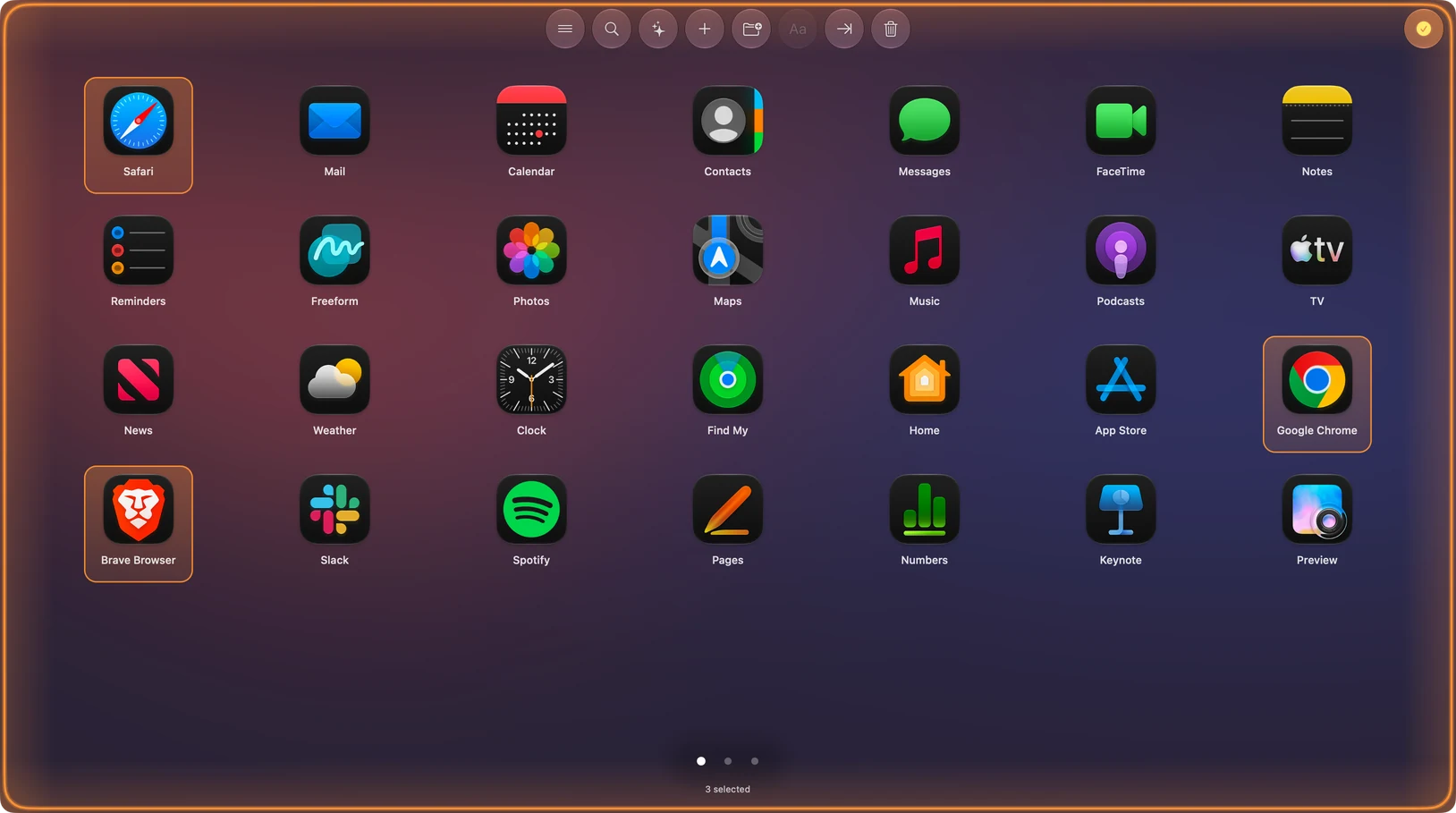
Select multiple apps. Drag them into a folder. Find what you need.Selection is free; operations on selected apps require Pro.
Familiar by design
Skip terminal hacks and restore a clean grid for your apps. Sort and group without the mess, keep an available old layout, and add new apps without breaking your setup.
How to get the grid back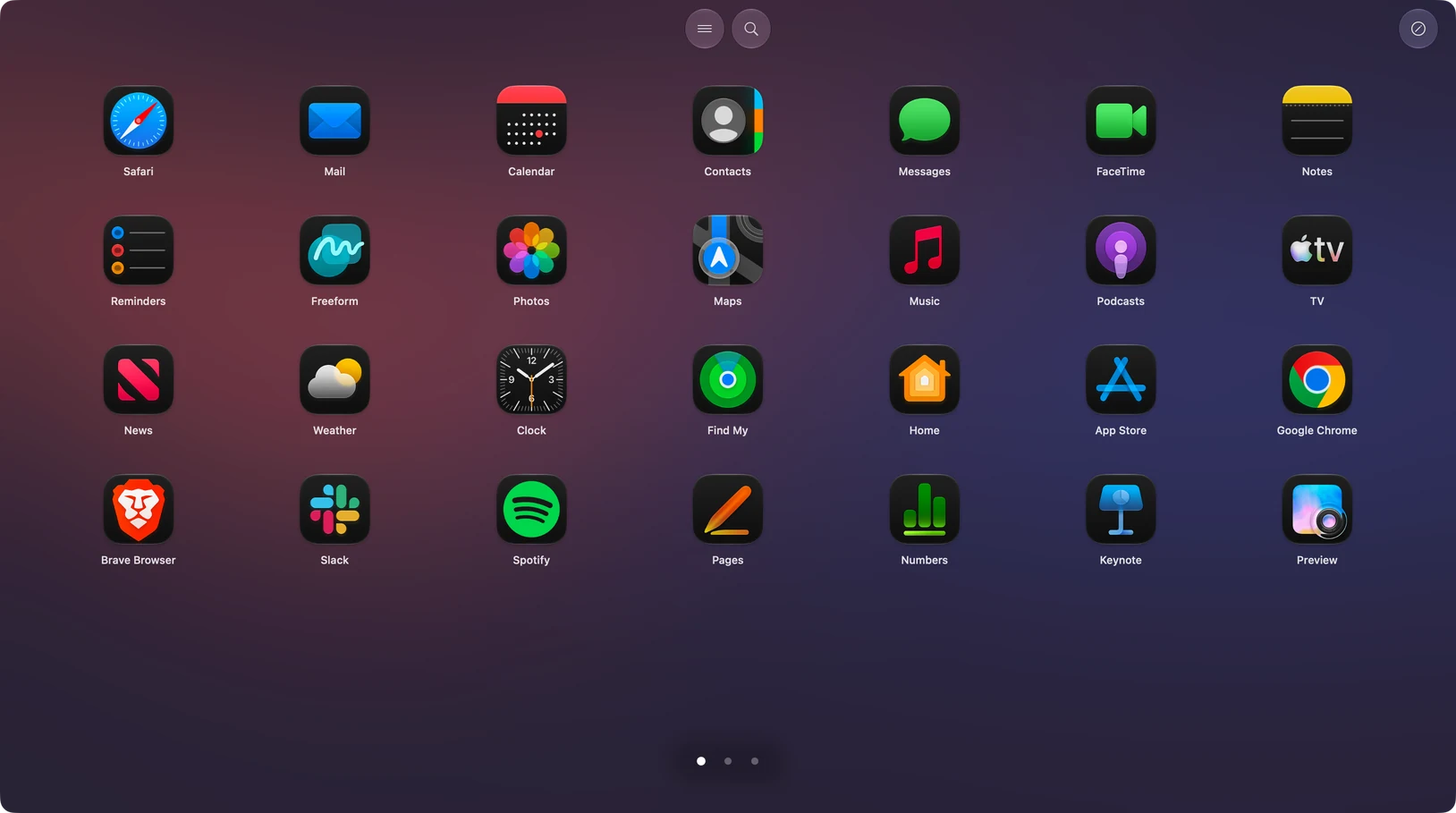
Organize by sight
Browse pages, spot icons, build folders, and launch quickly. AppGrid is made for people who prefer a stable visual layout over search-first workflows.
Choose what you need
Core grid organization stays free. Direct Pro is a one-time $25 purchase for up to five Macs.
Free
Pro · $25 once
What users say
“Works like a charm!”
“With over 200 apps on my Mac, this is incredible and works flawlessly!”
“I’m absolutely thrilled with this app!”
Five steps
Compatibility
Keyboard friendly
Quick comparison
| Function | AppGrid | Apps view | Spotlight / Raycast | LaunchMe |
|---|---|---|---|---|
| Grid layout | Yes | Grid or List | No | Yes |
| Import old Launchpad | When data is readable | No | No | Advertised |
| Rename and A–Z sort | Yes | Limited | Different workflow | Yes / smart sorting |
| Bulk organization | Multi-select (Pro) | No | Different workflow | Folder batch tools |
| Pinch or hot corner | Yes (Direct Pro) | No | No | Yes |
| Distribution | Direct + App Store | Built into macOS | Built in / direct | Direct download |
FAQ
AppGrid's core visual app grid, pages, folders, and Launchpad layout import are free. Pro adds multi-select operations, sorting across all pages, and layout save/restore. Direct Pro also adds app uninstalling, AI rearrangement, drag-and-drop page reordering, hot corners, and pinch activation, and is a one-time $25 purchase covering 5 Macs. Those five features are unavailable in the App Store version.
Compare free and Pro featuresAppGrid requires macOS 14.6 Sonoma or later. Check your version in Apple menu > About This Mac before downloading.
View download optionsAppGrid can import pages, folders, and icon positions when your old Launchpad database is still available and readable. Upgrading macOS does not guarantee that this data survives. Keep a backup before upgrading. If the original layout data is gone, AppGrid can still provide a visual app grid, but cannot reconstruct the missing layout from nothing.
Launchpad replacement and setup guideChoose the direct download if you want Pro app uninstalling, AI rearrangement, drag-and-drop page reordering, hot corners, pinch activation, a license covering 5 Macs, and updates outside App Store review. Choose the Mac App Store version if you prefer installation, purchases, and updates through Apple. Both have free core features; app uninstalling, AI rearrangement, drag-and-drop page reordering, hot corners, and pinch activation are unavailable in the App Store version.
Compare distribution optionsNo. Browsing your grid and launching apps work without AI or an internet connection. Internet access is needed for AI rearrangement, updates, purchasing or activating Pro, and license validation.
Read the privacy policyWhen you use AI rearrangement, your instruction and app grid information, including application names and layout positions, are sent to AppGrid's service for processing with OpenAI. The service also receives licensing/device information for authorization. AI rearrangement is optional; you can organize your grid manually instead. The privacy policy describes the data handling in more detail.
AI data handlingEligible App Store Pro purchases can be activated in the direct version without a second purchase. Lifetime Pro transfers permanently. Annual subscriptions transfer until the existing renewal date and do not auto-renew in the direct version; monthly subscriptions are not eligible. Use your RevenueCat Customer ID and follow the migration guide to verify eligibility.
Transfer an eligible Pro purchaseNo. AppGrid is a separate Mac application that provides a Launchpad-style visual grid. It does not reinstall Apple's removed Launchpad application. Importing an available old layout copies its organization into AppGrid; it is different from restoring a macOS system component. You launch and organize applications through AppGrid's own interface.
Download AppGrid
Download AppGrid and start with the free core features.
Download AppGrid